Schedule Smarter, Not Harder
Plan your entire month in minutes with AI-powered scheduling, bulk generation, and real-time calendar management across all your networks.
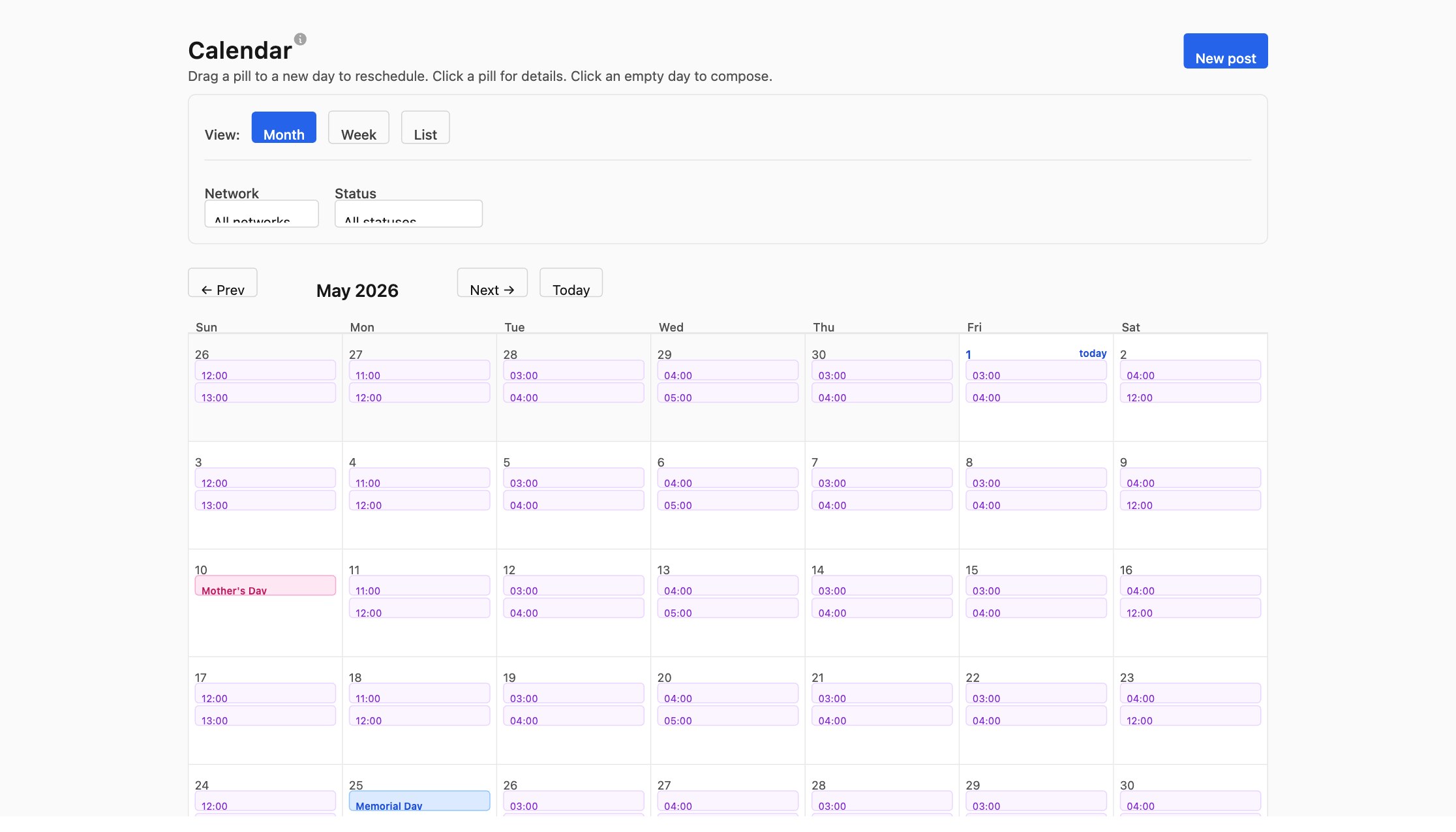
Visual Calendar with Multiple Views
Switch seamlessly between week view and list view to organize your content exactly how you work. Drag and drop posts directly on the calendar to reschedule them in seconds.
- ✓ Week view with time slots
- ✓ List view for quick scanning
- ✓ Drag-and-drop rescheduling
- ✓ One-click network and status filters
Generate & Schedule Up to 60 Posts at Once
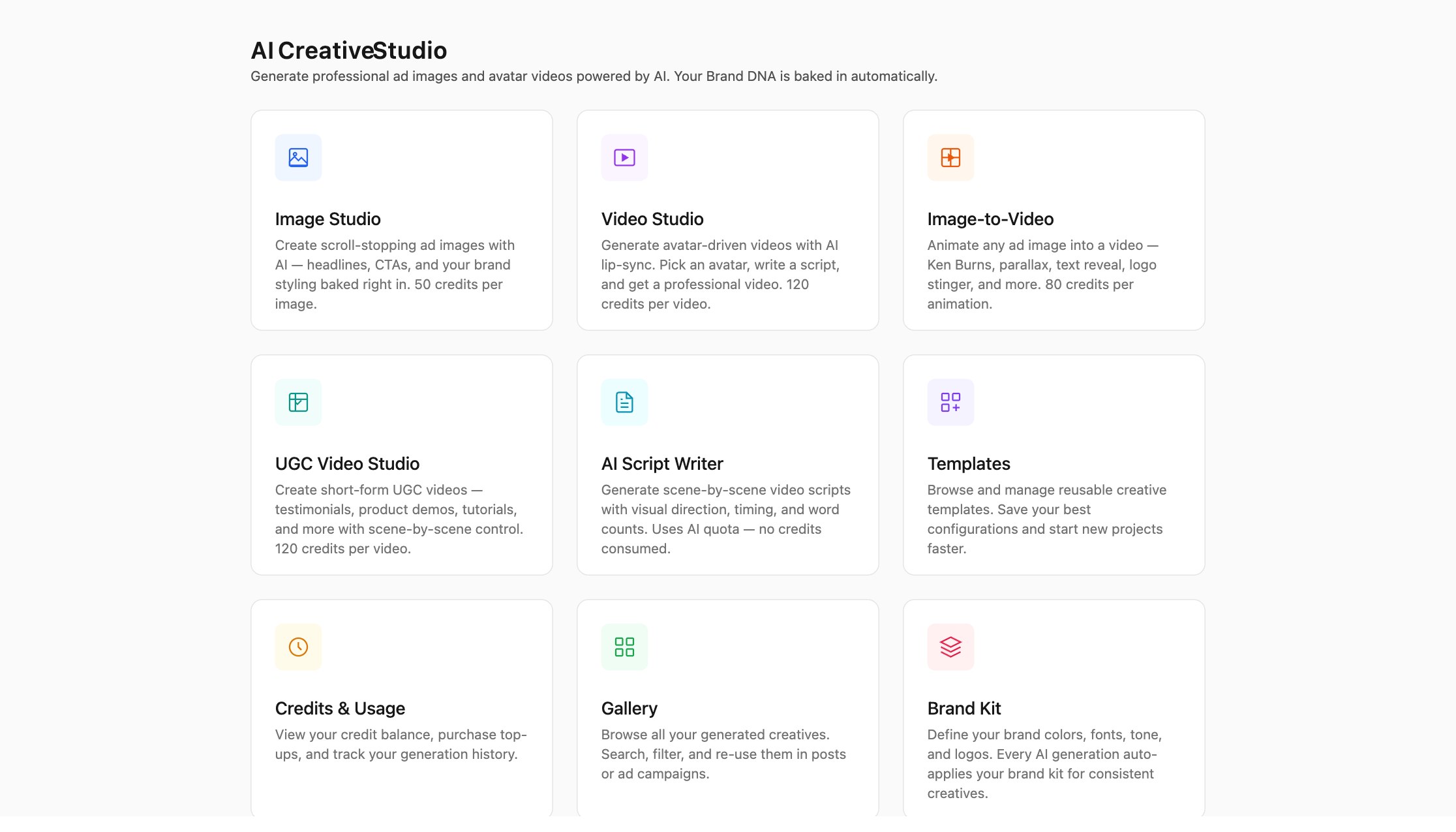
Harness the power of AI to create an entire month of content in minutes. Our bulk generator intelligently avoids topic repetition and respects your brand voice and industry.
- ✓ Up to 60 posts per batch
- ✓ Topic deduplication against 365 days of posts
- ✓ Preview before committing
- ✓ Industry-aware suggestions
Intelligent Posting Recommendations
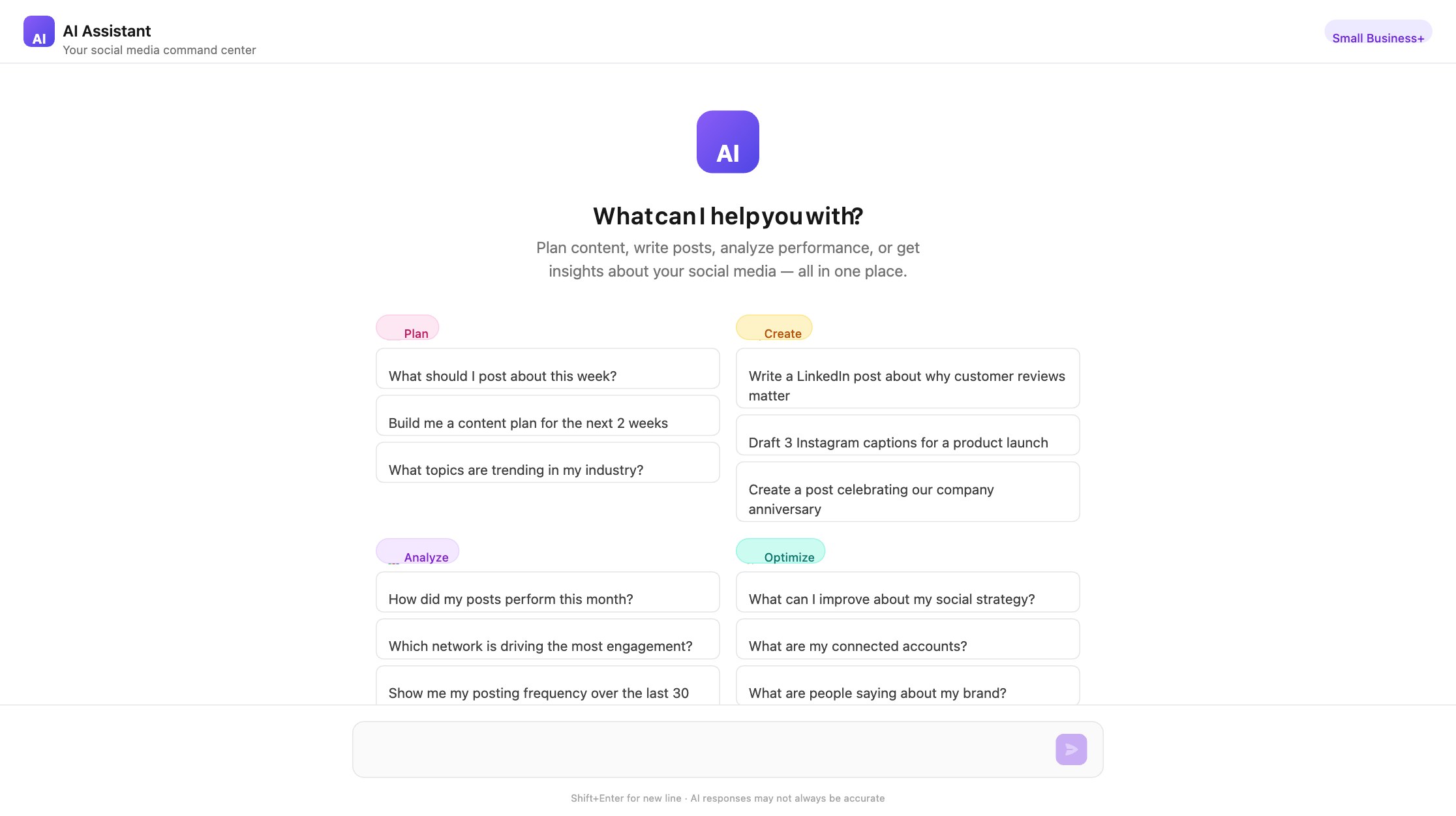
Get real-time best-time-to-post recommendations right on your calendar. Never miss peak engagement windows, and automatically adjust text to fit each network’s character limits.
- ✓ Per-network best-time overlay
- ✓ Auto-fit text to character limits
- ✓ Support for 14+ social networks
- ✓ Holiday and event calendar overlay
Complete Post Control & Templates
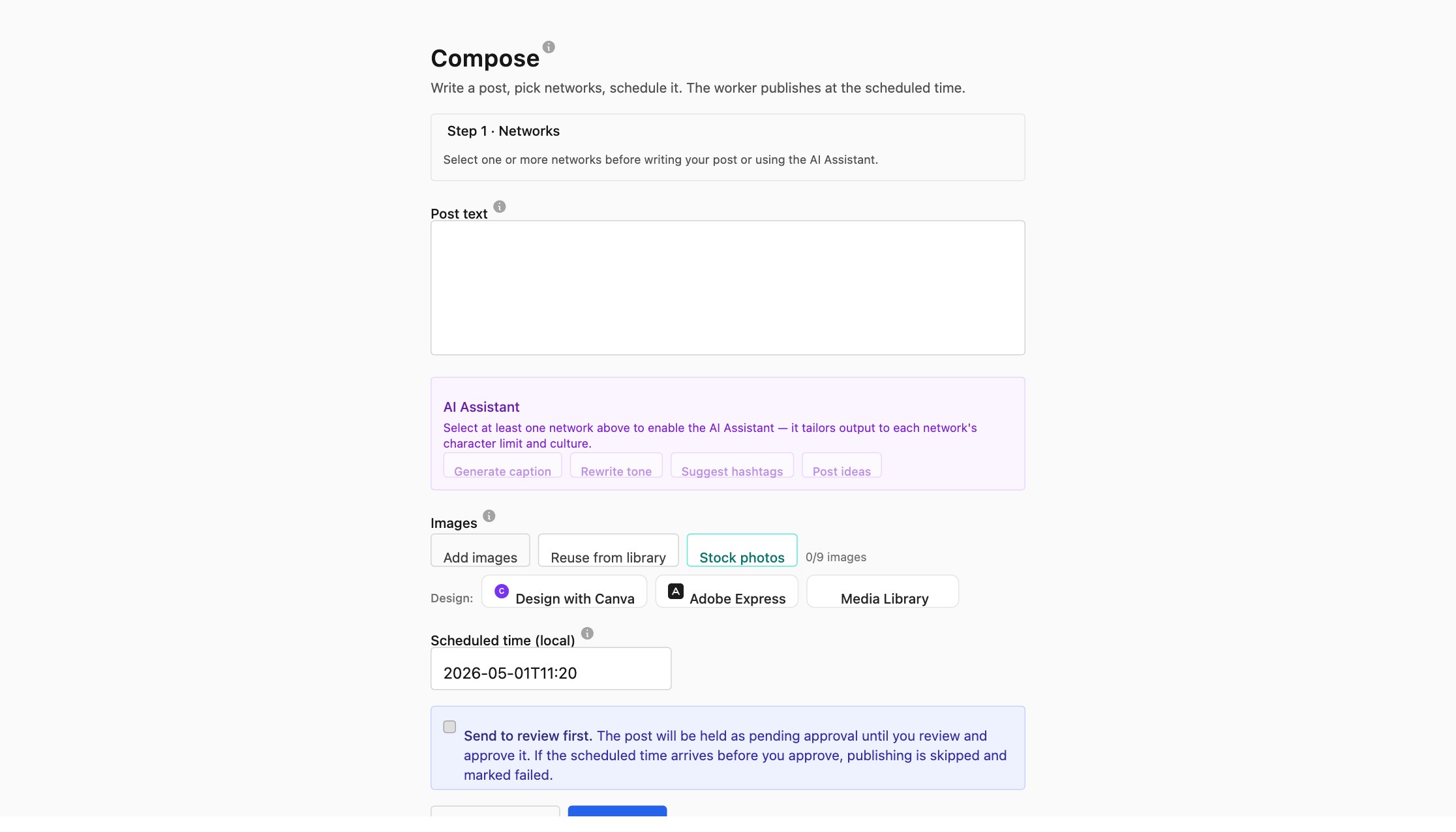
Edit, delete, or reschedule posts at any time. Use system templates to speed up creation, or build your own custom templates for consistent brand messaging.
- ✓ Edit scheduled posts anytime
- ✓ Delete posts in bulk or individually
- ✓ System and custom template library
- ✓ Dedicated drafts management page
Never Run Out of Ideas
Refill Reminders
Get notified when your scheduled posts are running low, so you never miss a publishing window.
Industry-Aware Topics
Get AI topic suggestions tailored to your industry, audience, and brand to fill your calendar with engaging content.
Frequently Asked Questions
How many posts can I schedule at once?
Our bulk scheduler supports generating and scheduling up to 60 posts in a single batch. You can preview all posts before committing them to your calendar.
Does Flow Orah work with all social networks?
Yes! We support 14+ social networks including Facebook, Instagram, Twitter/X, TikTok, LinkedIn, Pinterest, YouTube, Threads, Bluesky, Mastodon, and more.
Can I edit or delete posts after scheduling?
Absolutely. You can edit the content, reschedule the time, or delete posts entirely—even if they’re already scheduled. All changes are reflected instantly across the calendar.
What are best-time-to-post recommendations?
Flow Orah analyzes your audience behavior and industry trends to suggest optimal posting times for each network. These are shown directly on your calendar so you can plan around peak engagement hours.
See It in Action
Watch how Flow Orah’s smart scheduling and calendar tools work in real time.
Ready to Master Your Publishing Schedule?
Join thousands of content creators and agencies using Flow Orah to manage their social media calendar.
Explore Related Features
These Flow Orah features work hand-in-hand with this one for even better results.